How it works
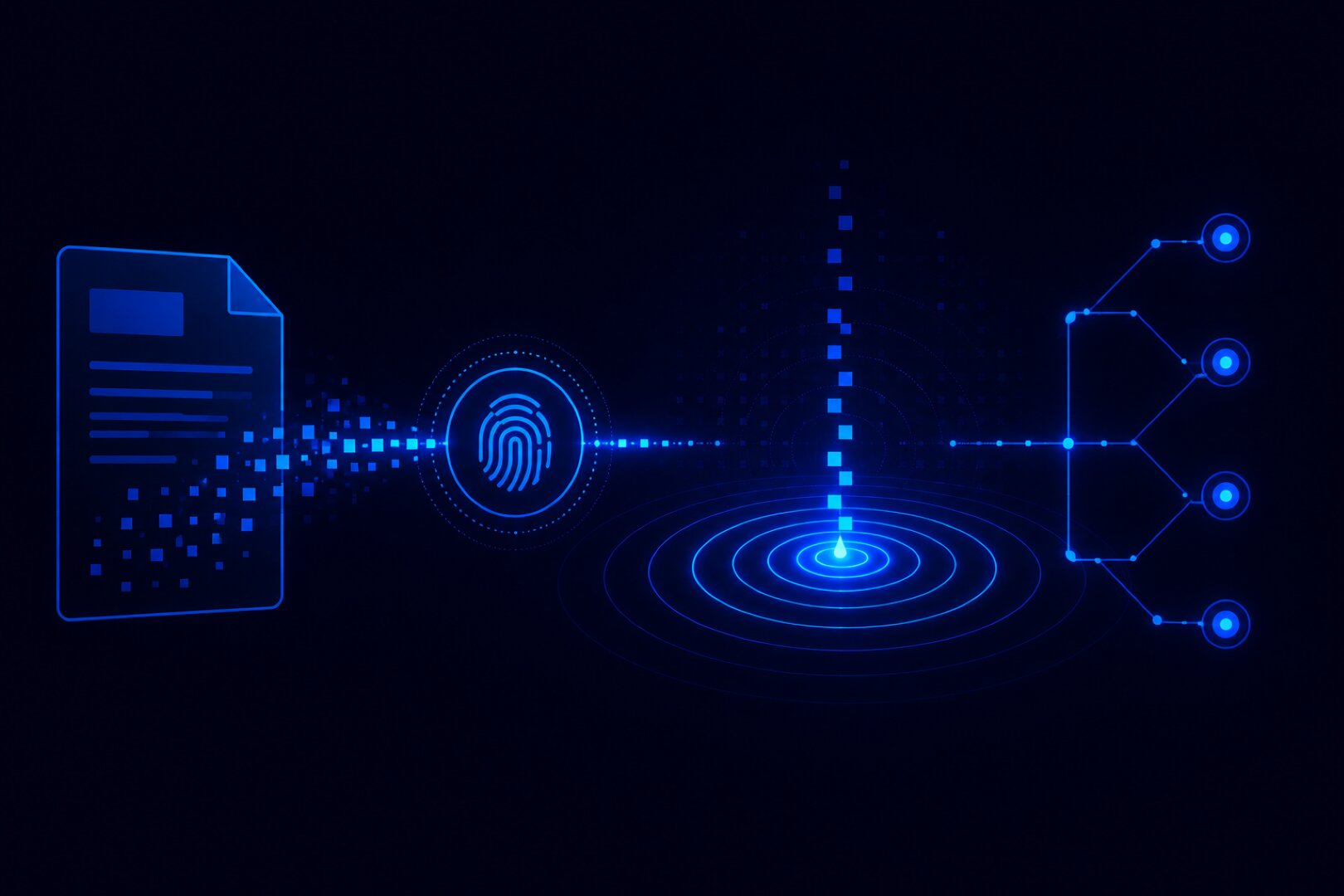
When you seal a document, ProofDrop computes a SHA-256 hash of the file directly in your browser. The hash, not the file, is sent to ProofDrop and recorded on the XRP Ledger along with a timestamp, the seal type, and an optional reference label.
Anyone who receives your document can verify it by uploading the file to your seal's public verification page. ProofDrop hashes it in their browser and checks it against the on-chain record. If the hashes match, the document is proven authentic and unchanged since it was sealed.
All hashing happens client-side in the browser. Neither ProofDrop nor anyone else ever sees, receives, or stores the actual file content.
Seal types
- Document / Contract Agreements, proposals, terms of service.
- Delivery Confirmation Proof that something was delivered at a specific time.
- Quote / Invoice Financial documents with a verifiable issue date.
- Other Any file requiring a timestamped proof of existence.
Step-by-step guide
Seal your first document in under a minute.
Go to Document Seal in your dashboard
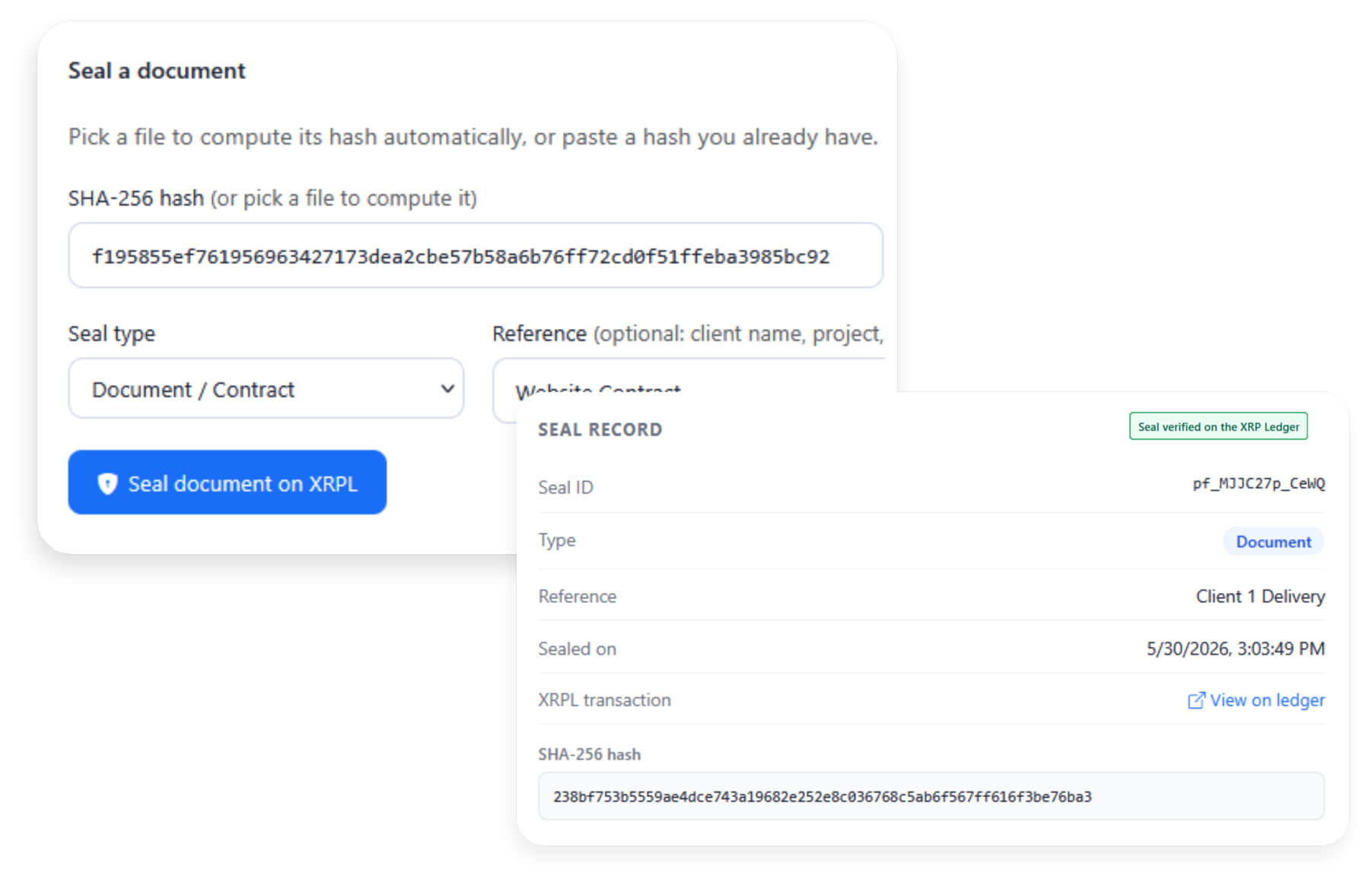
Log into ProofDrop and navigate to Document Seal, then New Seal. You will see the seal form with a file picker and hash input.
Pick your file or paste a hash
Click Pick file to select your document. ProofDrop hashes it instantly in your browser and populates the SHA-256 field automatically. Alternatively paste a hash you already have.
File never leaves your deviceChoose the seal type and add a reference
Select the seal type from the dropdown. Optionally add a reference label such as a client name or project. This appears on the public verification page.
Seal the document on XRPL
Click Seal document on XRPL. ProofDrop submits the hash and metadata to the XRP Ledger. Within 3 to 5 seconds you will receive a Seal ID and XRPL transaction link.
Anchored in 3 to 5 secondsShare the verification link
Copy the public verification URL and share it with clients or counterparties. They can upload the file on that page and instantly confirm it matches the sealed record.